A calmer way to see your money.
Allan's Fin Vault is a no‑drama finance app: track expenses, see where your money goes, and plan your goals – all stored on your device, with optional Google backup you trigger yourself.
Totally free to use. Your numbers stay on your device unless you choose to back them up.
Track, budget, and reach your goals.
A clean dashboard, clear numbers, and controls that stay in your hands.
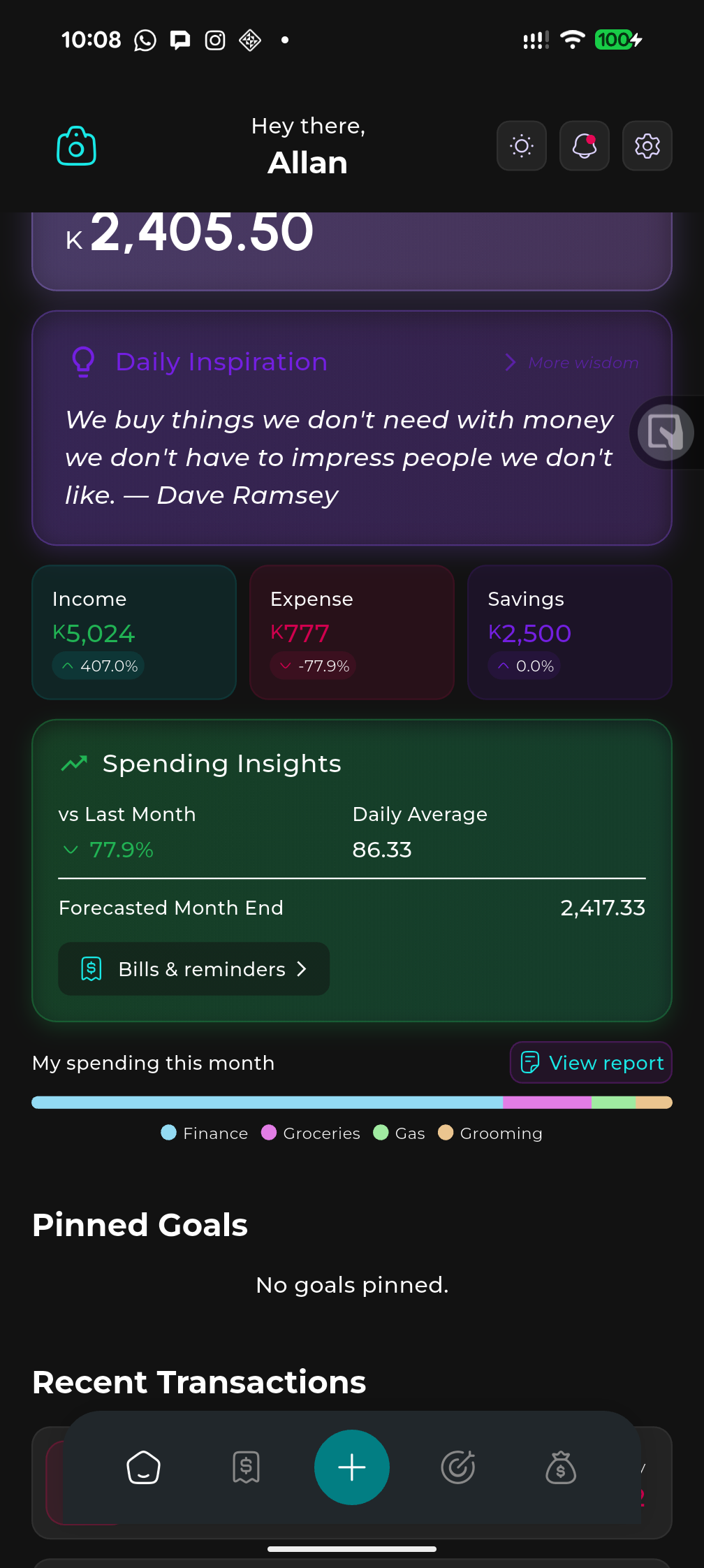
Dashboard – balance, spending insights, and daily inspiration
Goals & budgets – set targets and track progress
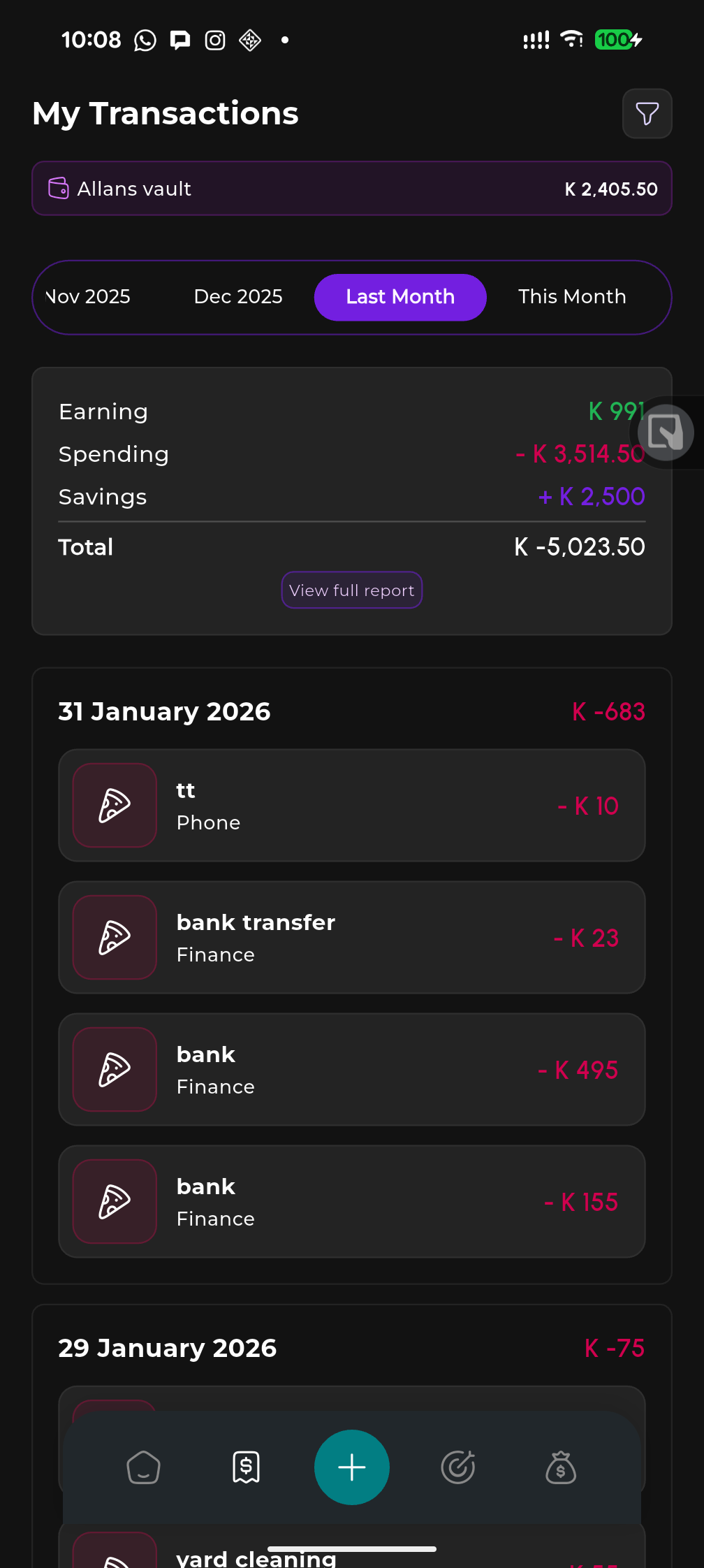
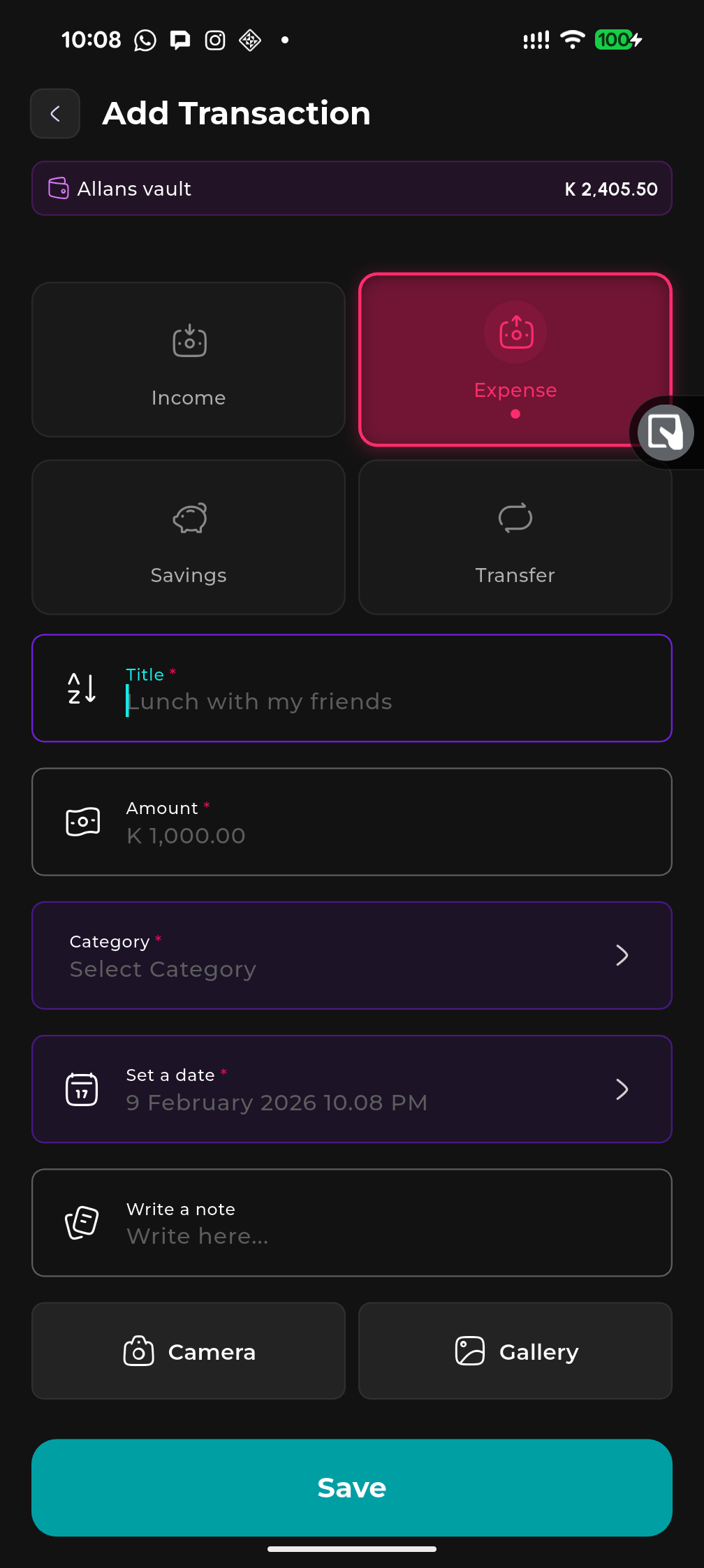
Transactions – log income, expenses, and savings by category
Three simple pieces that cover your basics.
Allan's Fin Vault borrows the good parts of budgeting tools – without forcing you into subscriptions or cloud accounts.
01 · Capture
Log what you spend and save
Quickly add expenses and income with simple categories. No complex setup, no “pro” version – just see what is really going in and out.
02 · Organise
Group by goals that matter
Create custom goals – from “Emergency fund” to “New laptop” – and assign spending or saving towards them so you always know your progress.
03 · Review
See the story in your numbers
Clean summaries by month and by goal show you patterns at a glance, without confusing charts or hidden paywalls.
Built for everyday money, not Wall Street.
A small set of focused tools that actually get used, instead of a dashboard full of switches you never touch.
Daily tracker
Add income, expenses, and savings in seconds with categories. See totals by day, week, and month so you always know the basics.
Goals with targets
Set a target amount and deadline for each goal. Track progress, add savings anytime, and see how much to save per month to stay on track.
Category budgets
Set a budget limit per category and period. See spent vs limit with progress bars and get a clear view of what’s left to spend.
Bills & reminders
Add bills with due dates and recurrence. Get in‑app and notification reminders so you never miss a payment.
Daily financial wisdom
Short tips from experts (Buffett, Babylon, and more) on the dashboard. Tap through for more wisdom and optional notifications.
Spending insights
See where your money goes with spending by category, trends, and a simple chart. Pinned goals and bills live right on the dashboard.
Works offline
No signal? No problem. Allan's Fin Vault works fully offline; your data is stored locally on your phone.
Optional Google backup
When you choose to, you can connect your Google account to save an encrypted backup to your own Google Drive – only when you tap “Back up”.
No sign‑up wall
Use the app straight away. No email forms, no creating an account with us, and nothing to confirm.
Clean, calm design
Dark theme by default, soft colours, and typography tuned so your numbers are easy to read without feeling noisy.
Your data stays with you.
The short version: Allan's Fin Vault does not collect or sell your personal finance data. The app keeps everything on your device unless you choose to back it up to your own Google Drive.
- No account with us: you do not create an Allan's Fin Vault account and we do not see your transactions.
- No analytics or ads: we do not run in‑app advertising, tracking pixels, or analytics that identify you.
- Google is only for backup: when you turn it on, Google is used purely so you can store a backup file in your own Drive.
- You stay in control: you can disconnect Google backup at any time and delete any backup files from your Drive.
Need the details?
Play Store privacy policy ready
We provide a full written privacy policy that explains exactly what the app does and does not do with your data, including how Google Drive is used for optional backups. You can read the full text any time on this site.
Start tracking in a few taps.
Install Allan's Fin Vault from Google Play. Backups and privacy options are clearly explained in‑app so you always know what is happening.